
Wake Up Your Old Database
Turn Past Leads and Clients Into New Conversations
Before spending more money chasing new leads, take another look at the people already inside your CRM.
Some may have contacted you before.
Some may have booked but never moved forward.
Some may be past clients.
Some may simply have gone quiet.
Your CRM can help you identify those contacts and reconnect with them through a structured reactivation campaign.
Watch the quick lesson below to see how it works.


Learn how to identify inactive contacts and build a simple campaign that gives them a reason to respond, return, or take the next step.
who we serve
Real support for real business owners, who are done doing it all themself
We work with small service-based businesses that rely on leads, conversations, and follow-ups — but feel overwhelmed by systems, manual work, and too many tools that don’t talk to each other.
If everything still lives in your head (or WhatsApp, notes, and spreadsheets), you’re in the right place.

Service-Based Businesses
You work with clients one-on-one or in small teams and missed follow-ups, forgotten appointments, or messy communication.

Growing Teams
You’re growing, but don’t want to add chaos or hire more people just to stay organized.

Consultants & Professionals
You have great conversations — but need a system that turns them into clients, follow-ups, and repeat business automatically.

Entrepreneurs Scaling Up
You want to grow with clarity and control — not burnout, chaos, or dependency on memory.
What changes when your system finally works the way you do
This isn’t about trends or theory.
It’s what consistently happens when small service business owners stop forcing themselves into generic tools — and get a system built around their real workflow.
You stop keeping everything in your head
Follow-ups and reminders happen automatically
You recover time, leads, and peace of mind
When your CRM fits how you actually work — instead of forcing you to adapt — everything starts to feel lighter and more controlled.
Your Database May Be More Valuable Than You Think
Businesses often focus almost entirely on generating new leads.
But your CRM may already contain people who:
Asked for information.
Requested a quote.
Booked an appointment.
Didn't show.
Spoke with your team.
Received a proposal.
Became a client in the past.
Haven't interacted with you recently.
Those people are different from completely cold prospects.
They already know something about your business.
That makes them worth looking at before you automatically spend more money trying to reach strangers.
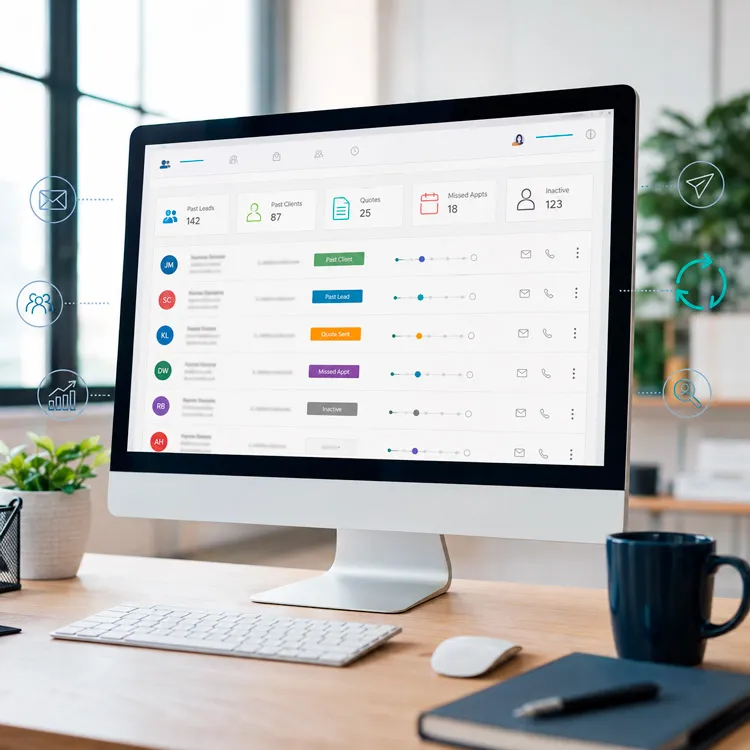
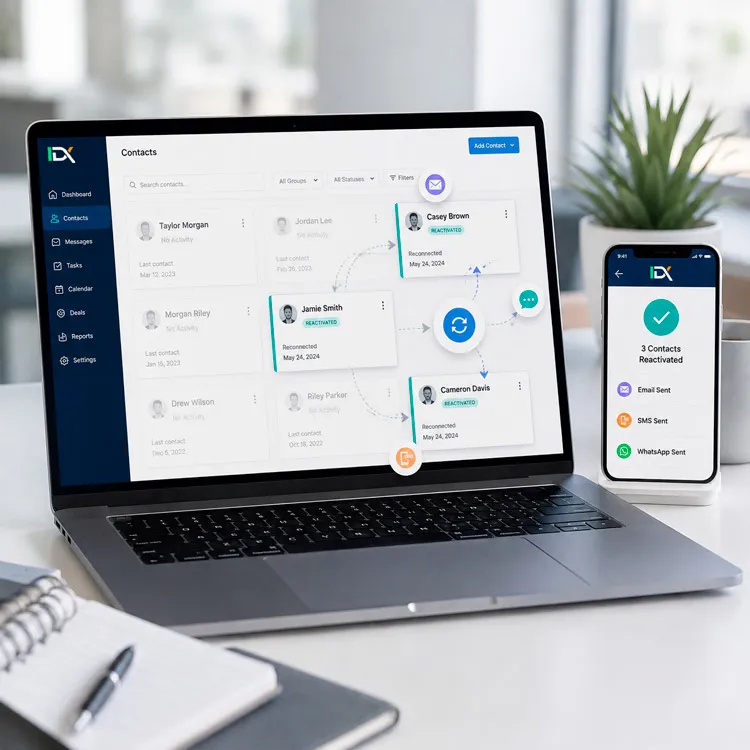
What Is Client Reactivation?
Client reactivation is simply a structured way to reconnect with contacts who already exist in your database but are no longer actively engaged.
That might include:
Old leads
Past clients
Lost opportunities
No-shows
Unresponsive inquiries
Inactive contacts
The objective is not to send the same promotion to everyone.
It's to identify a relevant audience and give them a clear reason to start a conversation again.
What Could You Do With Reactivation?
Here are some practical ideas.

Reconnect With Old Leads
Someone contacted you six months ago.
They were interested.
The timing wasn't right.
Then the conversation disappeared.
Instead of leaving that contact forgotten:
Old lead → Reactivation audience → Message → Opportunity to respond
Sometimes the reason someone didn't buy before simply no longer exists.

Follow Up With No-Shows
A missed appointment doesn't necessarily mean someone wasn't interested.
Maybe something came up.
Maybe they forgot.
Maybe the timing was bad.
You can create an audience of people who booked but never completed the appointment.
Then:
No-show → Reactivation message → Rescheduling opportunity
You already worked to generate that appointment.
It may be worth another attempt.

Reconnect With Past Clients
Your previous customers may be one of the most valuable groups in your CRM.
Depending on your business, you may be able to invite them to:
Book again
Renew a service
Learn about something new
Schedule a check-in
Return after a period of inactivity
The relationship already exists.
Your CRM can help you stay connected to it.

Revisit Lost Opportunities
Maybe someone received a proposal but didn't move forward.
Maybe they said:
"Not right now."
That doesn't necessarily mean:
"Never."
Instead of forgetting them indefinitely:
Lost opportunity → Appropriate waiting period → Reactivation campaign
Now your pipeline history can help create future opportunities.

Segment Before You Send
This is where Audience Segmentation becomes essential.
Don't create one list called:
"Everybody we haven't spoken to."
Different groups may need different communication.
For example:
Old Leads
They showed interest but never became clients.
Past Clients
They already purchased from you.
No-Shows
They booked but didn't attend.
Lost Opportunities
They progressed further in the sales process but didn't close.
Inactive Clients
They haven't engaged with your business recently.
Each group has a different relationship with you.
So the message should reflect that.
Reactivation Doesn't Need to Be Complicated
A simple campaign might look like:
Audience identified

Message sent
Wait
Second message
Contact responds
Team notified
Conversation resumes
That's often enough to begin.
You don't need a 27-step campaign to see whether there is opportunity inside your database.
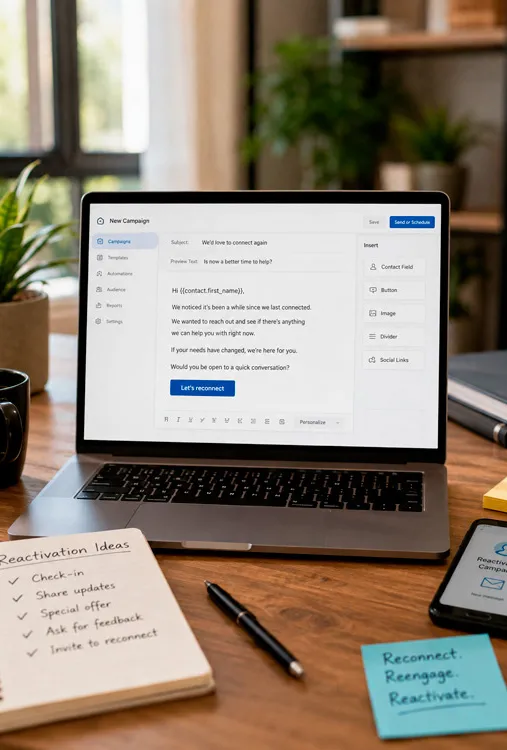
What Should the Message Say?
The best reactivation messages usually have a simple purpose.
You might:
Ask whether they still need help.
Let them know something has changed.
Invite them to reconnect.
Offer a useful next step.
Remind them about a service.
Invite them to schedule.
The objective is not to pretend you've been talking continuously.
It's to make restarting the conversation easy.
For example:
"Hi John, it's been a while since we last connected. Are you still looking for help with [service]?"
Or:
"We worked together previously and wanted to check in. If [need] is relevant again, happy to help."
Short.
Clear.
Easy to answer.
Use More Than One Channel When Appropriate
Depending on your CRM setup, permissions, and consent, a reactivation campaign might use:
SMS
Or a combination.
Different contacts respond differently.
But the purpose should remain the same:
Restart the conversation, not overwhelm the contact.
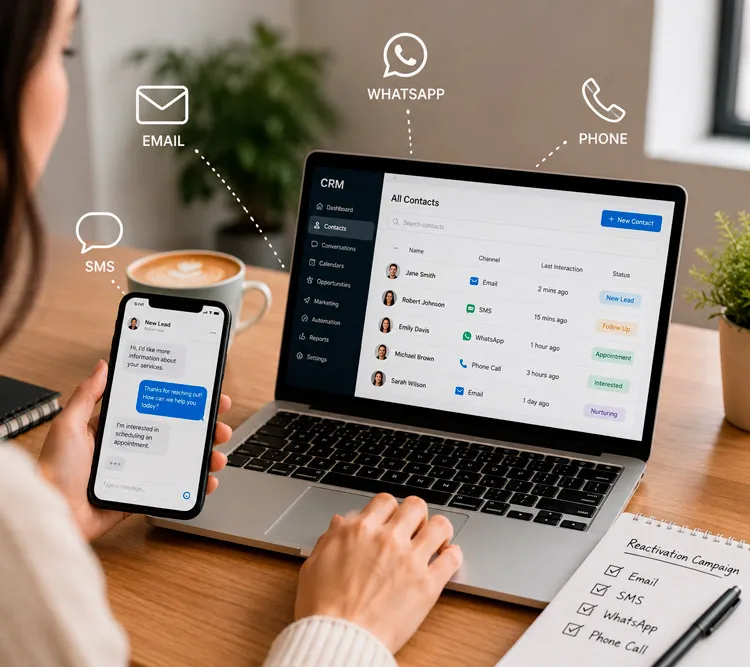
What Happens When Someone Responds?
This is where the campaign becomes part of your CRM system.
Imagine:
Reactivation message sent
Contact responds
Tag updated
Team notified
Opportunity reopened or created
Appropriate follow-up begins
Now the campaign isn't simply generating replies.
It's helping move those replies back into your business process.
Reactivation + AI Conversation
AI can also help once the conversation restarts.
For example:
Old lead responds
AI Conversation answers an appropriate question
Collects updated information
Determines interest
Offers appointment or hands off
Your reactivation campaign creates the conversation.
AI can help manage some of what happens next.
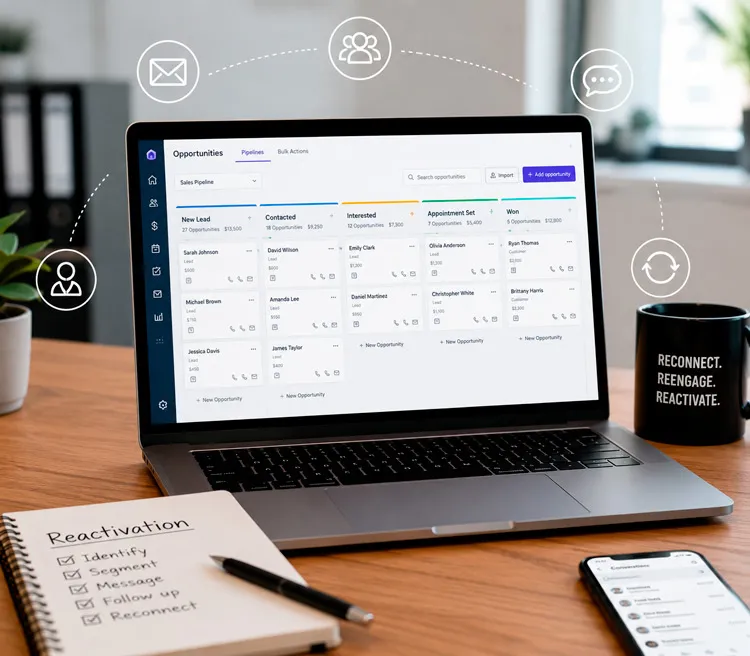
Reactivation + Pipelines
You can also connect reactivated contacts back into your pipeline.
For example:
Lost opportunity responds
↓
Opportunity reopened
↓
Pipeline updated
↓
Team follows up
Now old opportunities become visible again instead of disappearing inside your database.
Think About Your Own CRM
Ask yourself:
Who is already in there?
How many:
Old leads?
Past clients?
Lost opportunities?
No-shows?
People who requested information but never booked?
Contacts you haven't communicated with recently?
Then ask:
Which group would be most valuable to reconnect with first?
That's your starting audience.

Don't Reactivate Everyone at Once
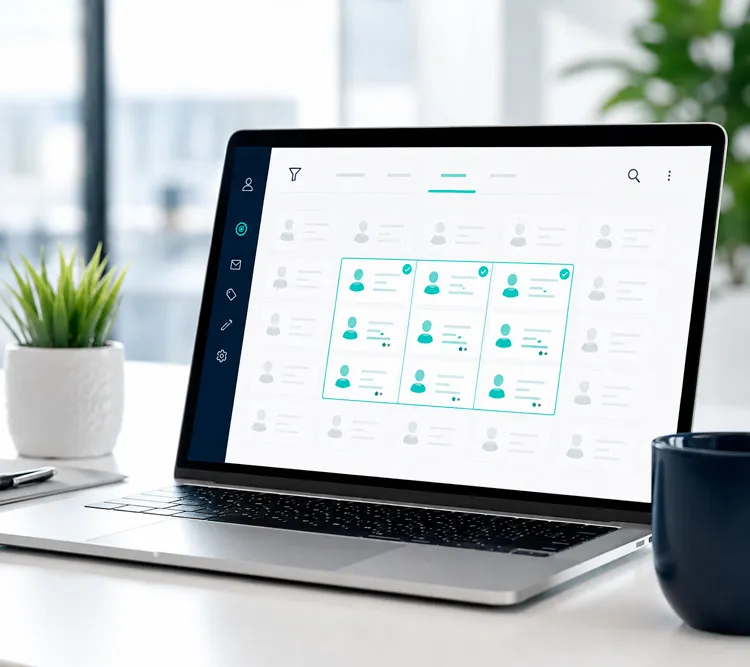
A common mistake is treating reactivation as:
"Send a blast to the entire database."
That's not the best use of your CRM.
Instead:
Choose one audience.
Define why you're contacting them.
Give them one clear next step.
Measure what happens.
Then improve.
For example:
"Let's reconnect with everyone who requested a consultation in the last year but never became a client."
That's a focused campaign.
Start With One Audience
You don't need to reactivate every old contact today.
Start with one group.
For example:
Past clients who haven't returned recently.

Leads who requested information but never booked.
No-shows from the last six months.
Then ask:
What would be a natural reason for these people to talk to us again?
That's your campaign.
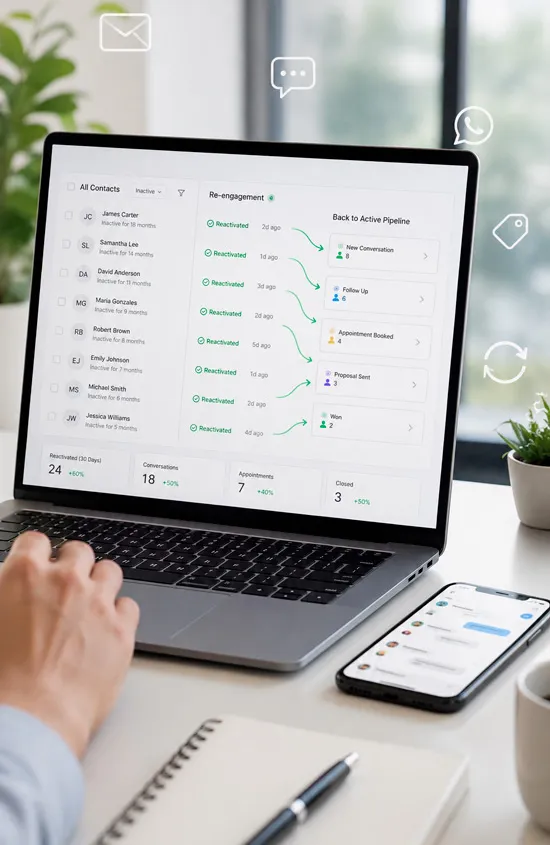
Want to Reactivate Your Database?
IDX can help you identify a useful audience inside your CRM and build a simple reactivation process around it.
That might include:
Audience segmentation
Email
SMS
WhatsApp
Reactivation messages
Response tagging
Internal notifications
Pipeline updates
Appointment booking
AI Conversation
You don't need to decide which automation to build.
Tell us:
"These are the old leads or clients I'd like to reconnect with."
We'll help you determine the best way to approach them.
Or simply reply to the email or text you received from us.

Before Chasing New Leads, Reconnect With the People Who Already Know You.
Relax, we automate.


GetIDX is operated by Intelligent Digital eXperience, formerly Imagine Digital eXpressions and previously known online as IDX.Marketing. We now specialize in CRM systems, lead follow-up, and automation support for growing businesses.
QUICK LINKS
CRM & RESOURCES
CONTACT US
8865 Commodity Circle Ste 14-101
Orlando – FL 32819
(321) 321-9222


© 2026 IDX. All Rights Reserved. Privacy Policy. Terms of Service. LLMs
© 2026 IDX. All Rights Reserved.