
Turn WhatsApp Into Part of Your Business System
More Than Messaging: Connect WhatsApp to Your CRM
WhatsApp may already be one of the easiest ways for your customers to communicate with you.
But it can do more than simply exchange messages.
When connected to your CRM, WhatsApp can become part of how your business follows up, reminds customers, manages conversations, books appointments, and moves opportunities forward.
Watch the quick lesson below to see how it works.

Learn how WhatsApp can work with your CRM and discover practical ways to use it throughout your customer journey.
who we serve
Real support for real business owners, who are done doing it all themself
We work with small service-based businesses that rely on leads, conversations, and follow-ups — but feel overwhelmed by systems, manual work, and too many tools that don’t talk to each other.
If everything still lives in your head (or WhatsApp, notes, and spreadsheets), you’re in the right place.

Service-Based Businesses
You work with clients one-on-one or in small teams and missed follow-ups, forgotten appointments, or messy communication.

Growing Teams
You’re growing, but don’t want to add chaos or hire more people just to stay organized.

Consultants & Professionals
You have great conversations — but need a system that turns them into clients, follow-ups, and repeat business automatically.

Entrepreneurs Scaling Up
You want to grow with clarity and control — not burnout, chaos, or dependency on memory.
What changes when your system finally works the way you do
This isn’t about trends or theory.
It’s what consistently happens when small service business owners stop forcing themselves into generic tools — and get a system built around their real workflow.
You stop keeping everything in your head
Follow-ups and reminders happen automatically
You recover time, leads, and peace of mind
When your CRM fits how you actually work — instead of forcing you to adapt — everything starts to feel lighter and more controlled.
WhatsApp Is a Conversation.
Your CRM Provides the System Behind It.
Think about a typical WhatsApp conversation.
Someone asks about a service.
You respond.
They ask another question.
You send some information.
They say:
"I'll think about it."
And then?
Someone has to remember to follow up.
That's the problem we're trying to solve.
WhatsApp is excellent for conversations.
Your CRM can help make sure those conversations actually go somewhere.
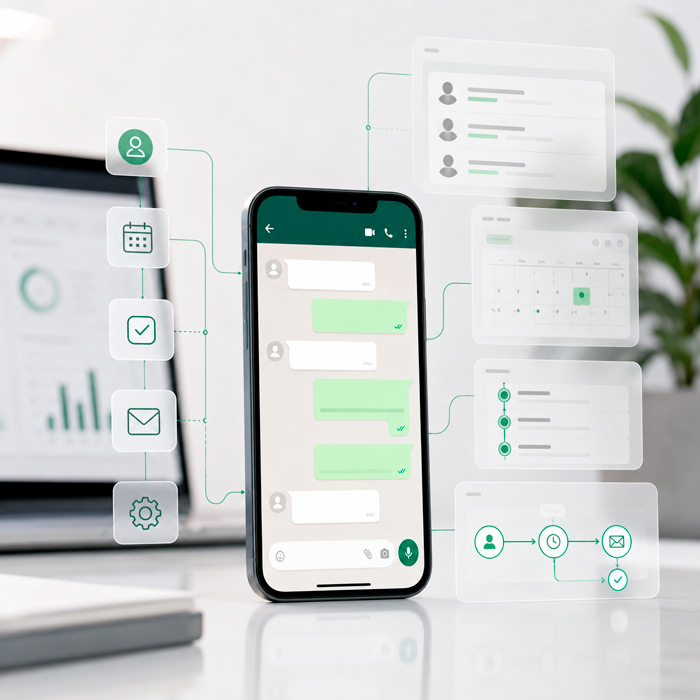
What Could You Do With WhatsApp?
There isn't one "correct" way to use WhatsApp.
The better question is:
Where would WhatsApp make communication easier for your customers?
Here are some ideas.

Respond to New Inquiries
Someone contacts your business through WhatsApp.
Instead of treating that conversation as something separate:
New WhatsApp inquiry → Contact in CRM → Conversation begins → Appropriate follow-up
Now the conversation can become part of the same system you're using to manage your other leads.

Follow Up With Interested Leads
Imagine someone asks about your service but doesn't make a decision immediately.
Instead of depending entirely on someone remembering:
Inquiry → Conversation → No next step → Follow-up
WhatsApp can become one of the communication channels supporting your follow-up process.
The goal isn't to bombard people with messages.
It's to make sure legitimate opportunities don't disappear because everyone got busy.

Send Appointment Reminders
This is one of the simplest practical applications.
Someone schedules an appointment.
Your system can help send appropriate reminders through the channels you've configured.
For example:
Appointment booked → Confirmation
Then:
Appointment approaching → Reminder
And potentially:
Appointment completed → Next-step communication
WhatsApp can become part of that communication journey.

Continue the Conversation After an Appointment
The appointment doesn't always end the sales process.
Maybe the person needs:
A proposal.
More information.
A second appointment.
An estimate.
A contract.
Time to decide.
Instead of letting that conversation disappear:
Appointment completed → Appropriate WhatsApp follow-up
Your CRM helps you remember what should happen next.

Communicate With Existing Clients
WhatsApp doesn't have to be limited to new leads.
Depending on your business and communication process, it can also help with appropriate client communications such as:
Appointment information
Reminders
Updates
Requests for information
Next-step instructions
This can make communication easier for customers who already prefer WhatsApp.

Reactivate Previous Opportunities
This is where your database and WhatsApp can become particularly interesting.
You may have:
Old leads.
Past clients.
People who requested information but never booked.
People who had an appointment but didn't move forward.
People who haven't heard from you recently.
With the right segmentation, consent, and messaging setup, some of those audiences may be appropriate for a reactivation campaign.
For example:
Past opportunity → Appropriate audience → Reactivation message → Response → New conversation
Instead of constantly starting from zero, you can reconnect with people who already know your business.

Connect WhatsApp to Automations
This is where WhatsApp becomes much more than an inbox.
A business event can trigger communication.
For example:
Appointment booked → Send confirmation → Wait → Send reminder
or
Form submitted → Create/update contact → Send appropriate message → Notify team
or
Pipeline stage changes → Trigger appropriate next-step communication
Now WhatsApp becomes part of a larger workflow.

Combine WhatsApp With AI Conversation
WhatsApp can also become one of the channels where an AI Conversation Assistant helps handle appropriate incoming conversations.
Imagine:
Customer sends WhatsApp message → AI responds → Answers an approved common question → Collects information → Identifies what the person needs → Offers the appropriate next step
And when necessary:
AI → Human handoff
That's a very different experience from:
"Thanks for your message. We'll get back to you tomorrow."
The purpose isn't to remove your team from WhatsApp.
It's to let AI assist with predictable conversations while your team handles the ones that require human attention.
WhatsApp + AI + Automation
This is where the pieces we've been discussing in these lessons begin working together.
Consider this customer journey:
Lead enters your CRM

WhatsApp conversation begins
AI answers basic questions
Lead shows interest
Appointment booked
Automatic reminder
Appointment completed
Follow-up begins
Contract sent
Contract signed
Payment requested
Client onboarding begins
WhatsApp is only one piece.
The real power comes from connecting the pieces.
That's what turns a CRM from a contact database into a business system.
Think About Your Own Business
Don't start by asking:
"What WhatsApp automations should I create?"
Instead, look at the conversations you're already having.
What do people normally message you about?
New service inquiries?
Pricing questions?
Appointments?
Quotes?
Existing services?
Support?
Documents?
Payments?
Then ask:
What usually happens after those conversations?
Does someone need to follow up?
Does the customer need a link?
Should they book?
Should someone on your team be notified?
Should their status change?
Should another message go out later?
Those are your automation opportunities.
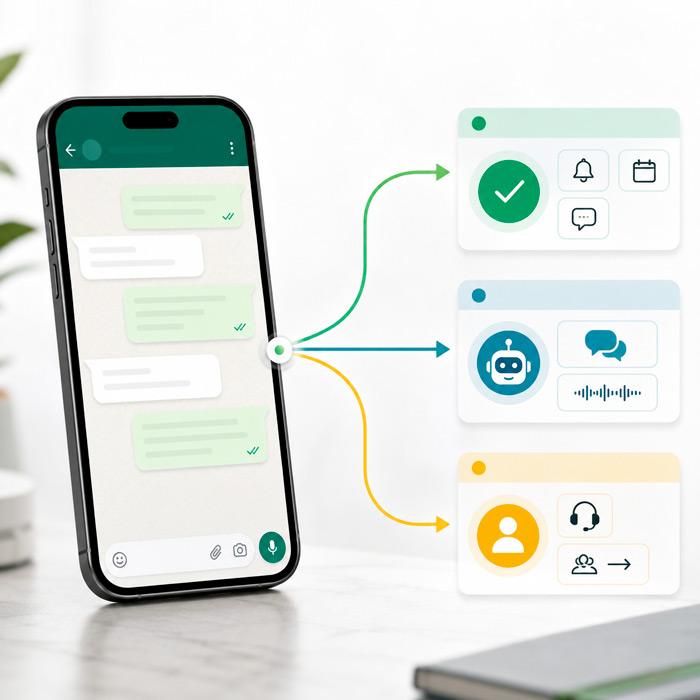
Don't Automate Every WhatsApp Message
Just because something can be automated doesn't mean it should be.
A good system should distinguish between:
Predictable → Automate
Confirmations, appropriate reminders, routine information and simple next steps.
Conversational → AI can assist
Common questions, basic qualification and information collection.
Complex → Human
Sensitive issues, unusual situations, important decisions, complaints, or anything requiring judgment.
The objective isn't maximum automation.
It's better communication with less manual work.
Start With One WhatsApp Use Case
Instead of trying to rebuild your entire communication system, choose one useful process.
For example:
"I want WhatsApp appointment reminders."

"I want to follow up with WhatsApp leads who don't book."
"I want AI to help answer common WhatsApp questions after hours."
"I want to reconnect with past clients through WhatsApp."
Start with one business outcome.
Then build from there.
Want to Do More With WhatsApp?
IDX can help you look at your current communication process and determine where WhatsApp could fit into your CRM.
That might include:
Lead conversations
Follow-up
Appointment communication
Automations
Audience segmentation
Reactivation
AI Conversation
Human handoff
You don't need to tell us which workflow to build.
Tell us:
"Here's what we're currently doing manually on WhatsApp."
We'll help you determine what your CRM could do instead.
Or simply reply to the email or text you received from us.
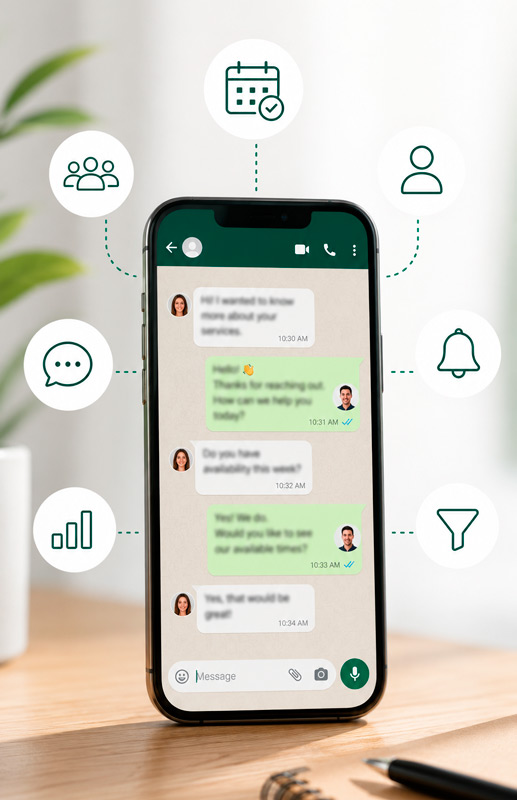

Don't Just Use WhatsApp to Chat. Connect It to What Happens Next.
Relax, we automate.


GetIDX is operated by Intelligent Digital eXperience, formerly Imagine Digital eXpressions and previously known online as IDX.Marketing. We now specialize in CRM systems, lead follow-up, and automation support for growing businesses.
QUICK LINKS
CRM & RESOURCES
CONTACT US
8865 Commodity Circle Ste 14-101
Orlando – FL 32819
(321) 321-9222


© 2026 IDX. All Rights Reserved. Privacy Policy. Terms of Service. LLMs
© 2026 IDX. All Rights Reserved.